Install

Put Habit Tracker on your device

It is a real app, not a preview. There is no account and nothing to sync — it keeps your data in your browser, and once installed it opens offline like anything else on your home screen.

Open Habit Tracker

On desktop

  1. Click Install app above, or use the install icon in the address bar.
  2. Confirm the install.
  3. It opens in its own window, with or without a network.

Prefer to own it outright? Download the source and change anything you like — the guide below covers publishing your own version.

Install guide

Install Habit Tracker

Install the stable App Link for your own version. The original demo and any temporary preview links are not the same thing.

Install the right link

  1. Try the Foundationbase Demo Link if you want to inspect the original.
  2. Use Create My App if you want changes.
  3. Let your agent publish your version to a stable HTTPS App Link.
  4. Install that App Link on your phone or desktop.
  5. Future updates should publish to the same App Link.
Link guide

Agent prompt

Paste this after opening the unzipped project folder with your coding agent.

Habit Tracker logo
Included logo

Saved with the foundation package so your copied app starts with its own mark.

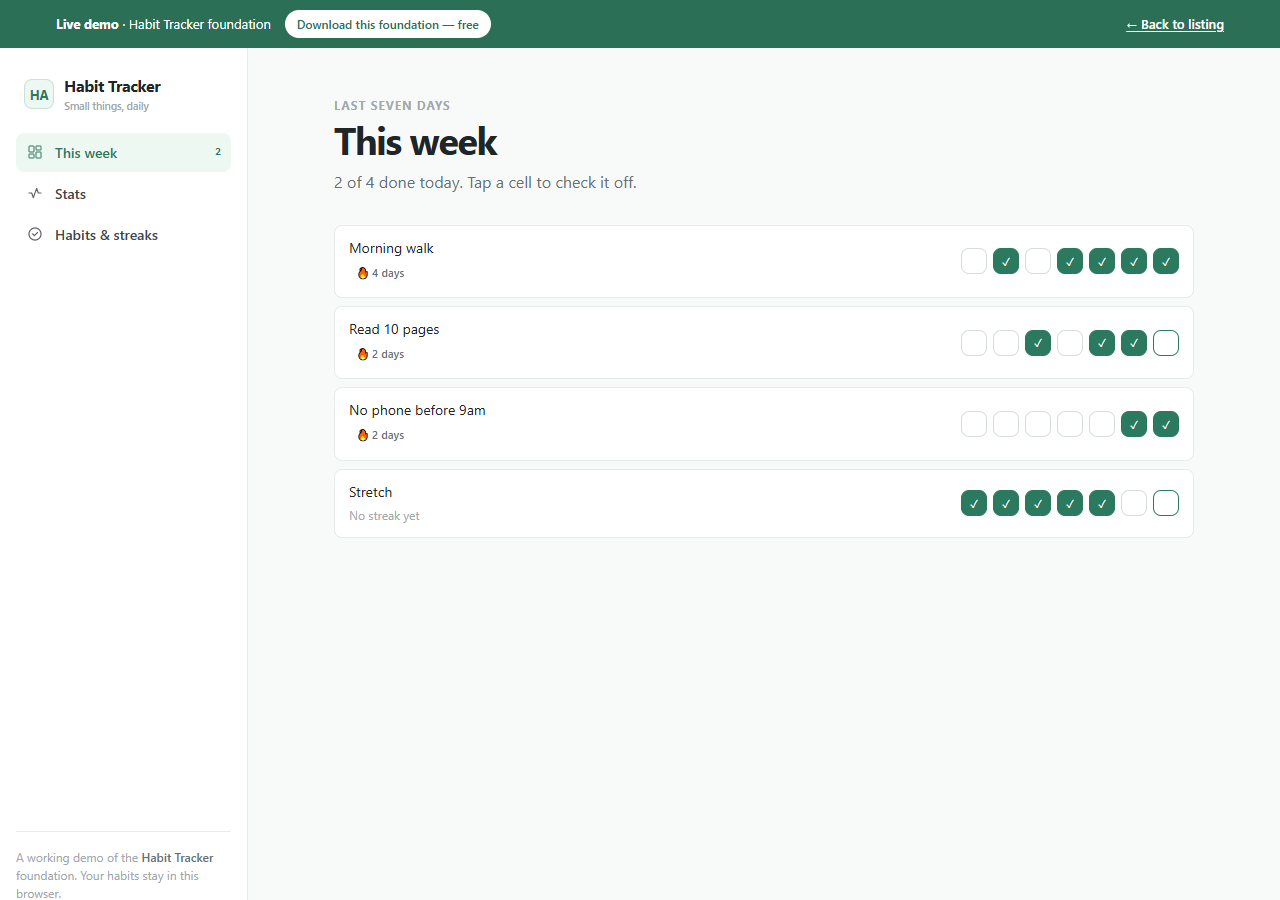
Habit Tracker: App overview
App overviewThe working demo state users can inspect before creating their own copy.